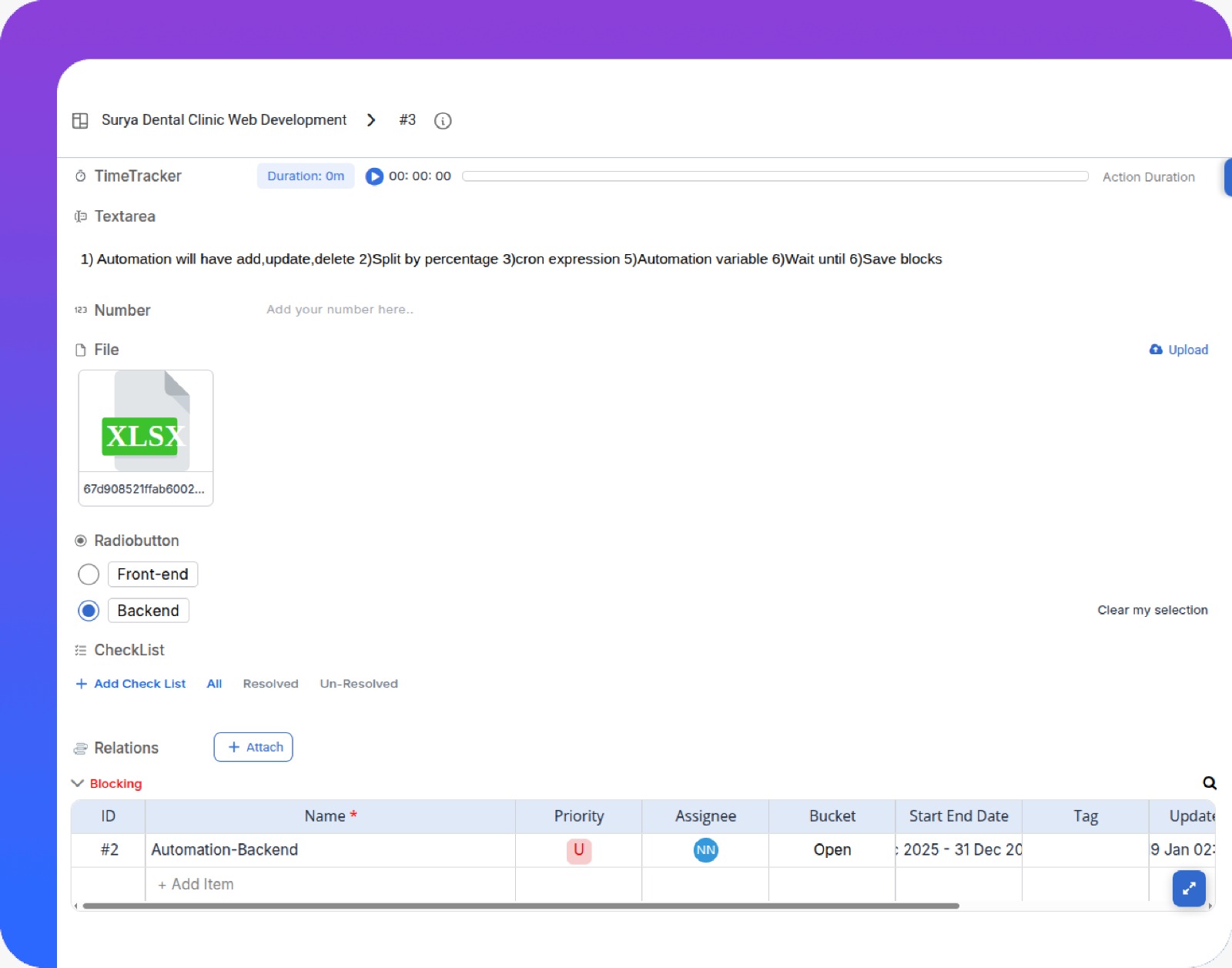
How does Pronnel track dependencies on bug tickets?
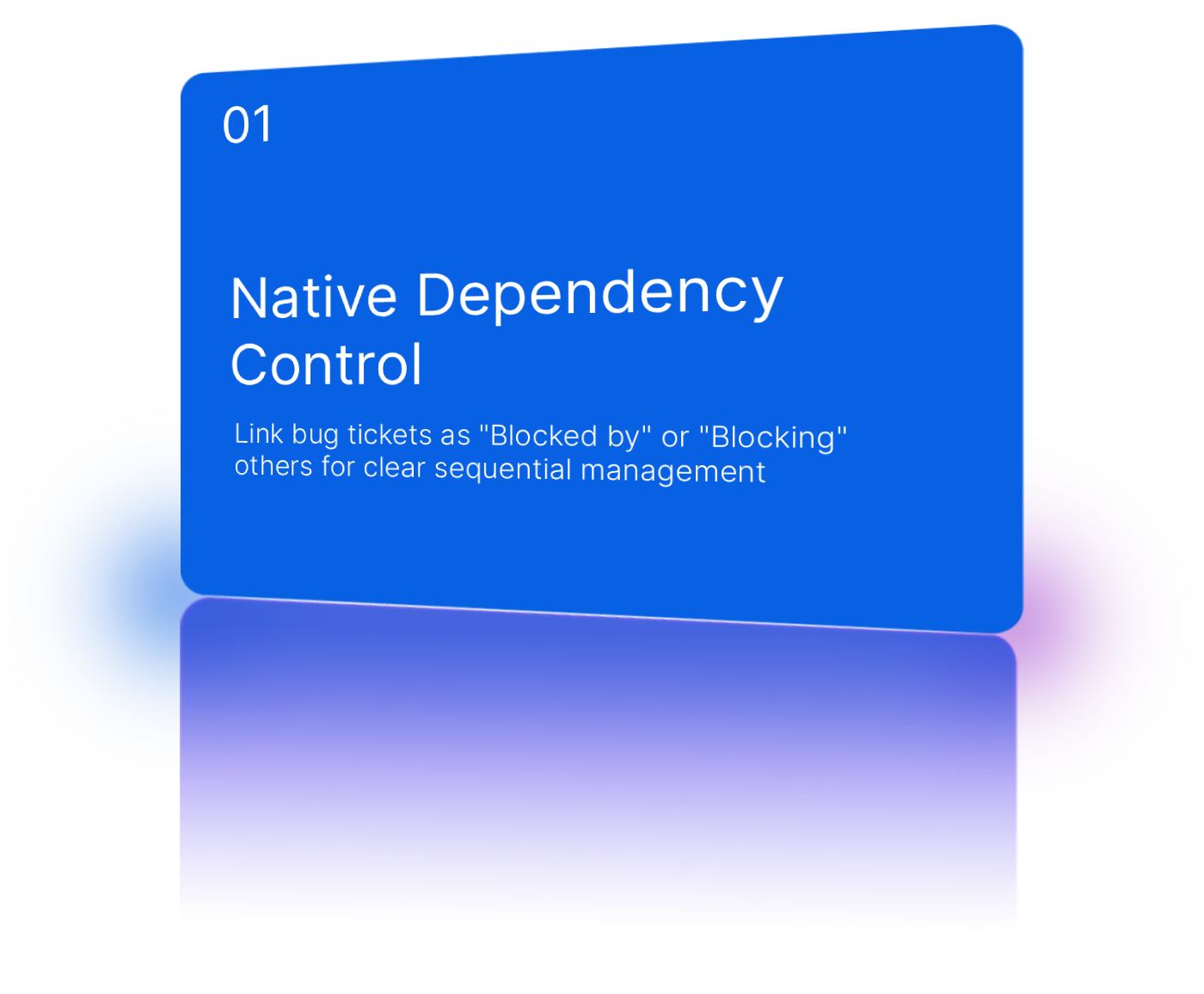
Dependencies are tracked using "Blocked by" and "Blocking" links on the ticket detail view. These are visualized in lists, boards, and Gantt View so teams can see execution order and avoid starting work that is blocked.
Can we dedicate a full sprint to bug fixing?
Yes. Using Sprint Management, Team Leads can allocate a dedicated bug-fix sprint or reserve a percentage of sprint capacity for Issues within regular feature sprints.
What is the difference between Severity and Priority?
Severity reflects how bad the bug’s impact is (for example, Critical versus Minor). Priority reflects how urgently it must be fixed (for example, High versus Low), typically set by the Team Lead based on business needs.
How does Pronnel help teams track the lifecycle of an issue?
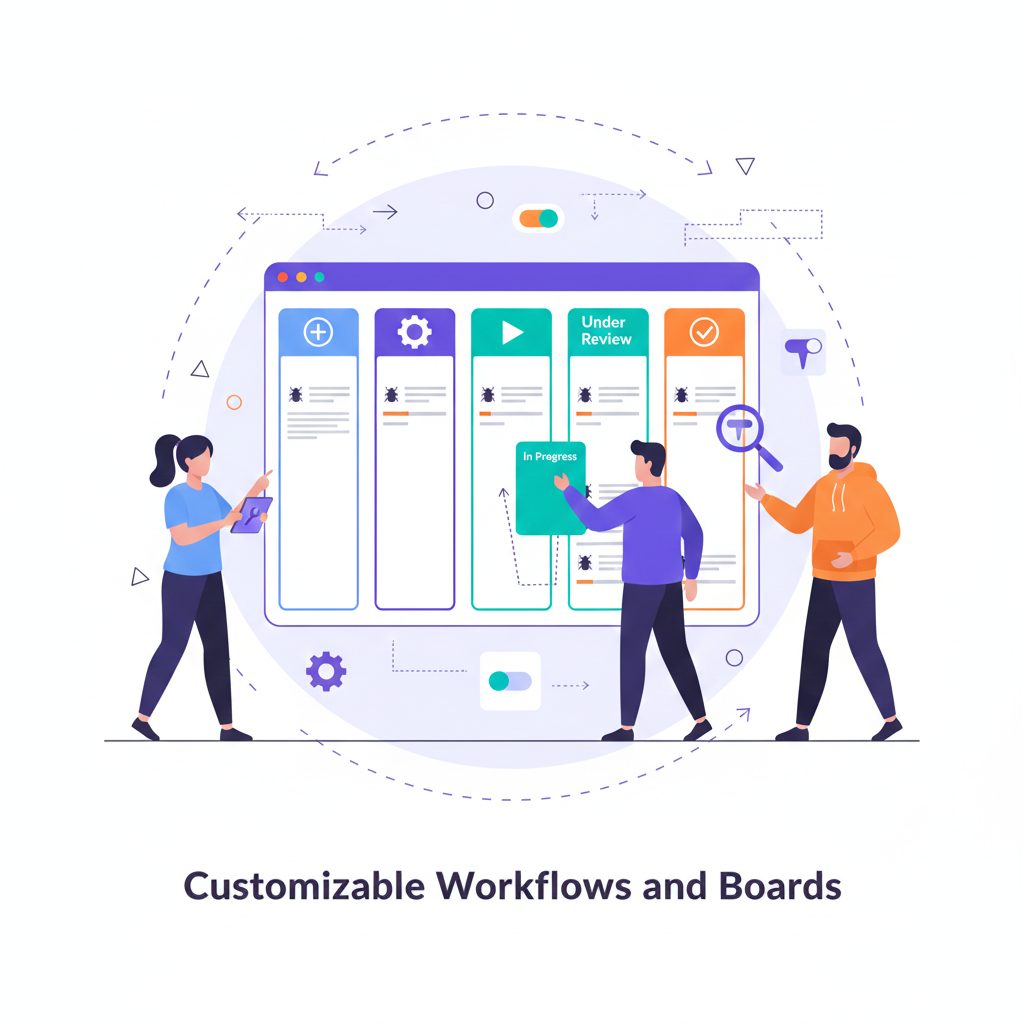
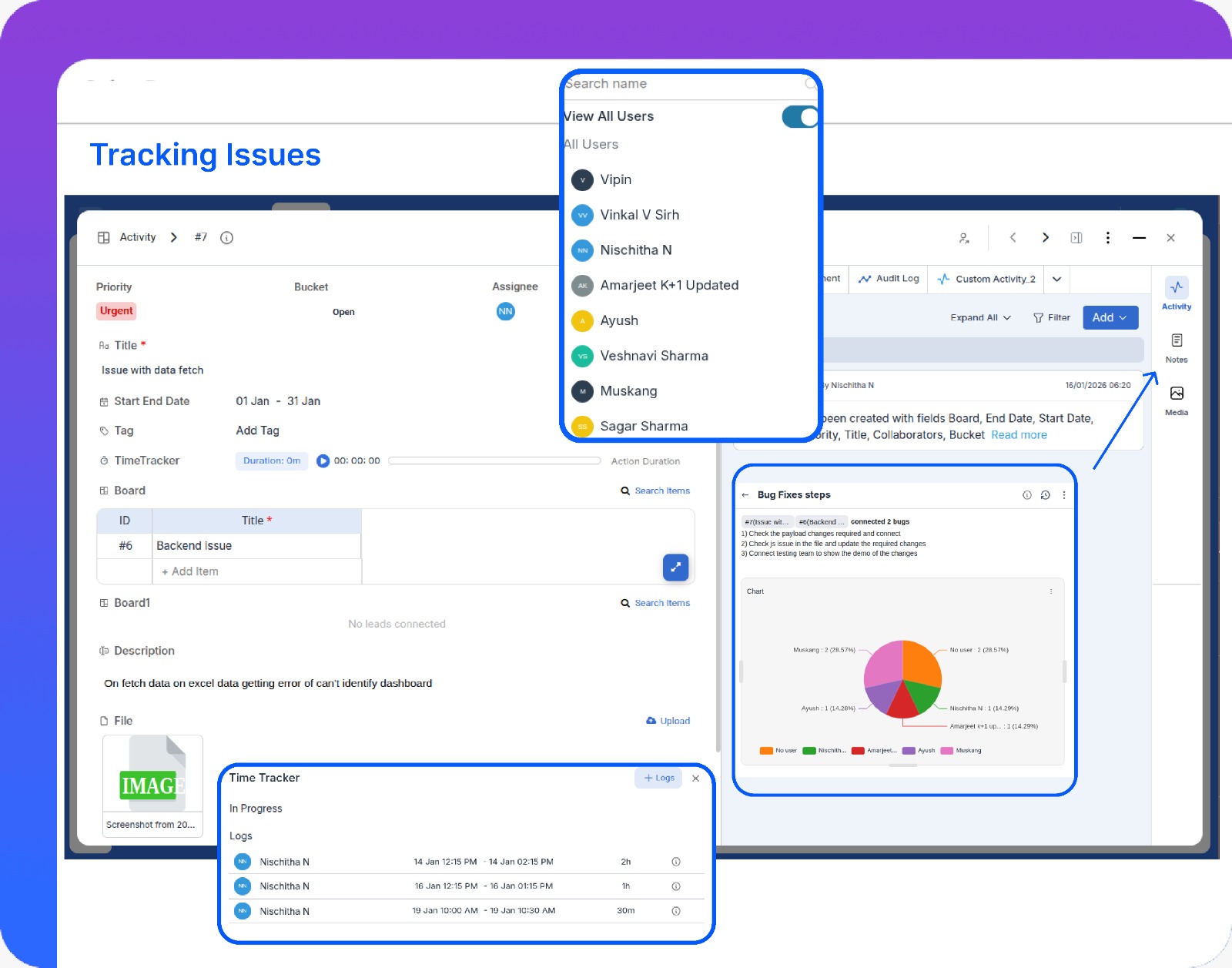
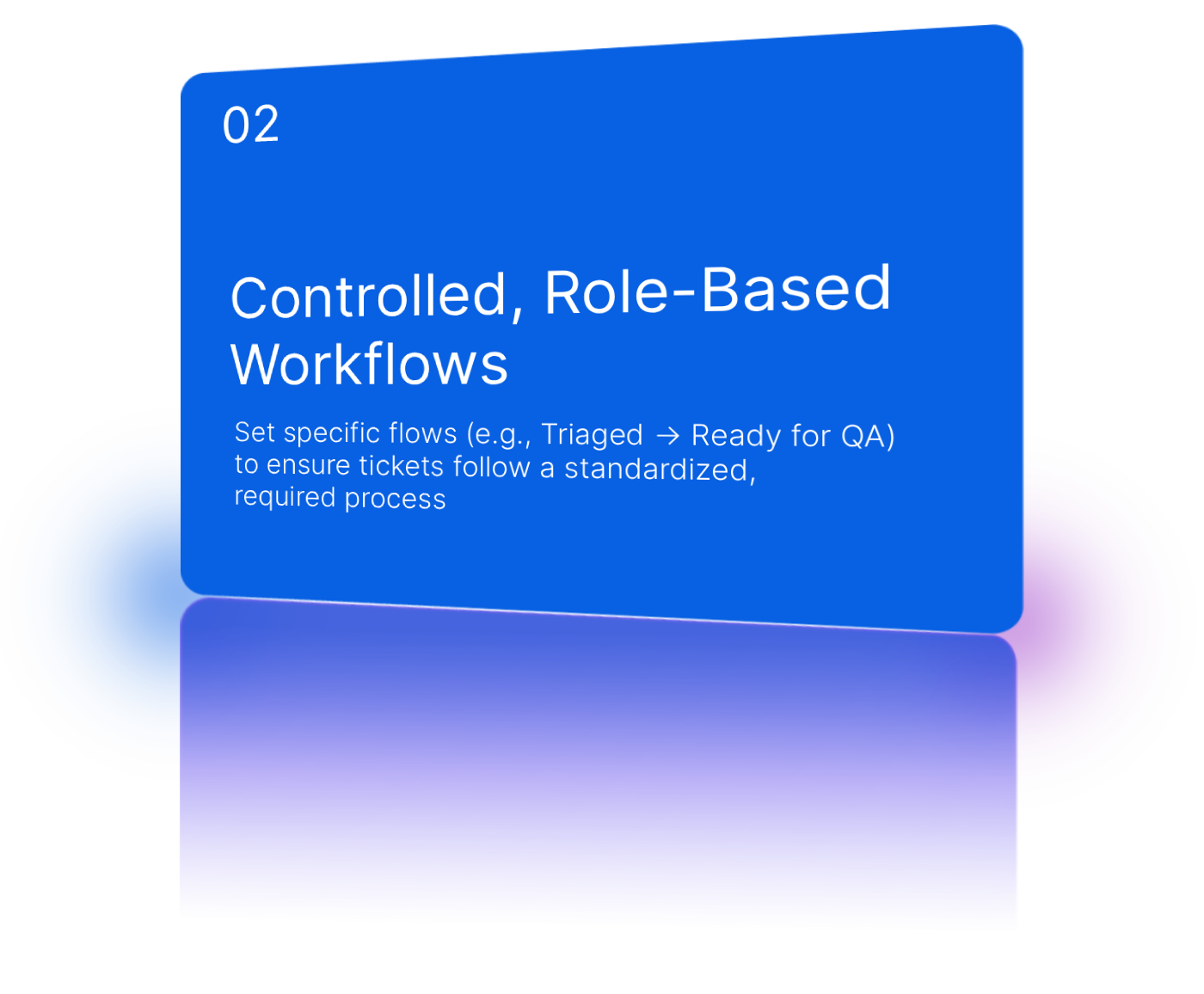
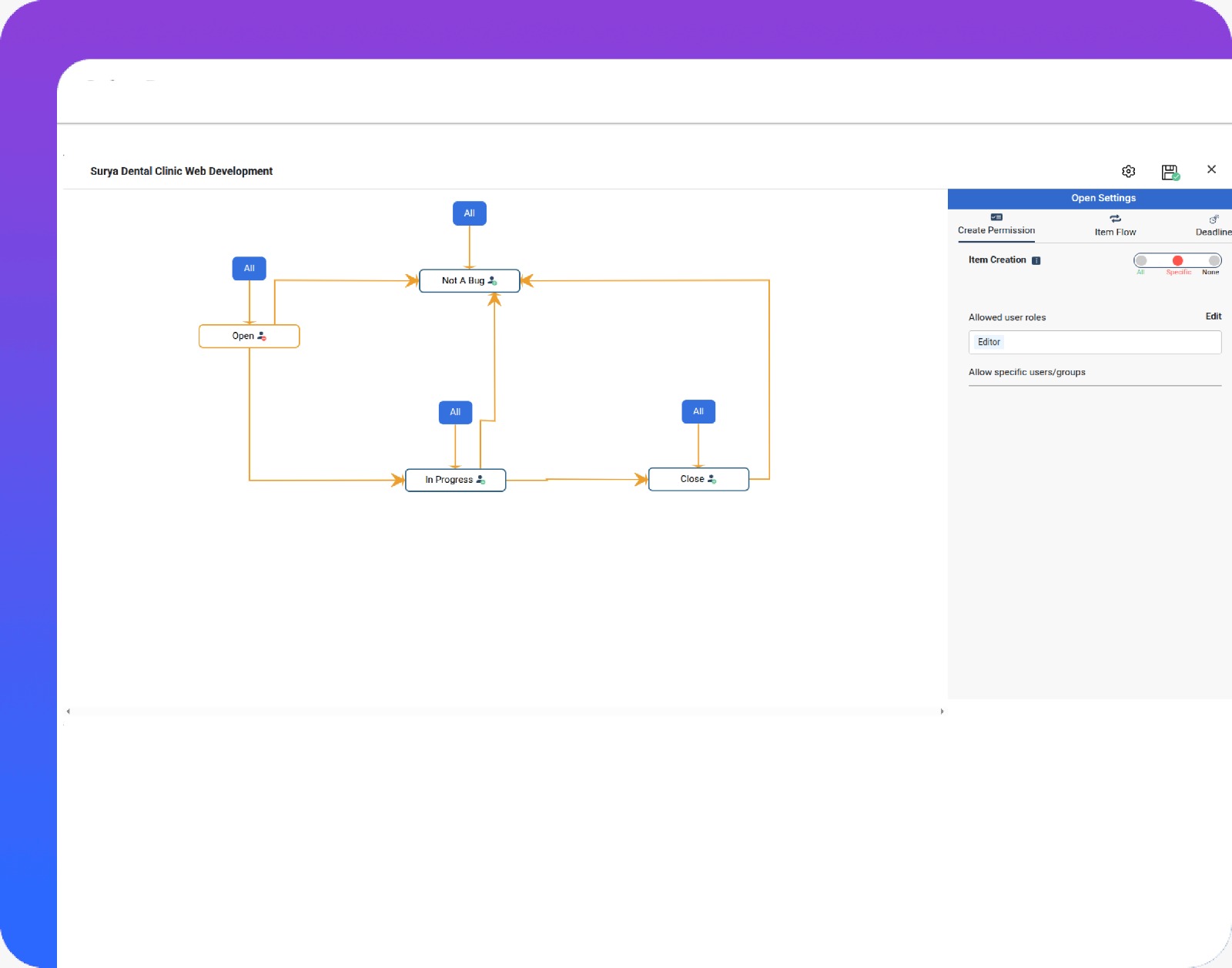
Pronnel tracks issues from creation to resolution using configurable statuses, activity logs, and audit trails, giving full visibility into every stage of the issue lifecycle.
Can issues and bugs be linked to features or tasks?
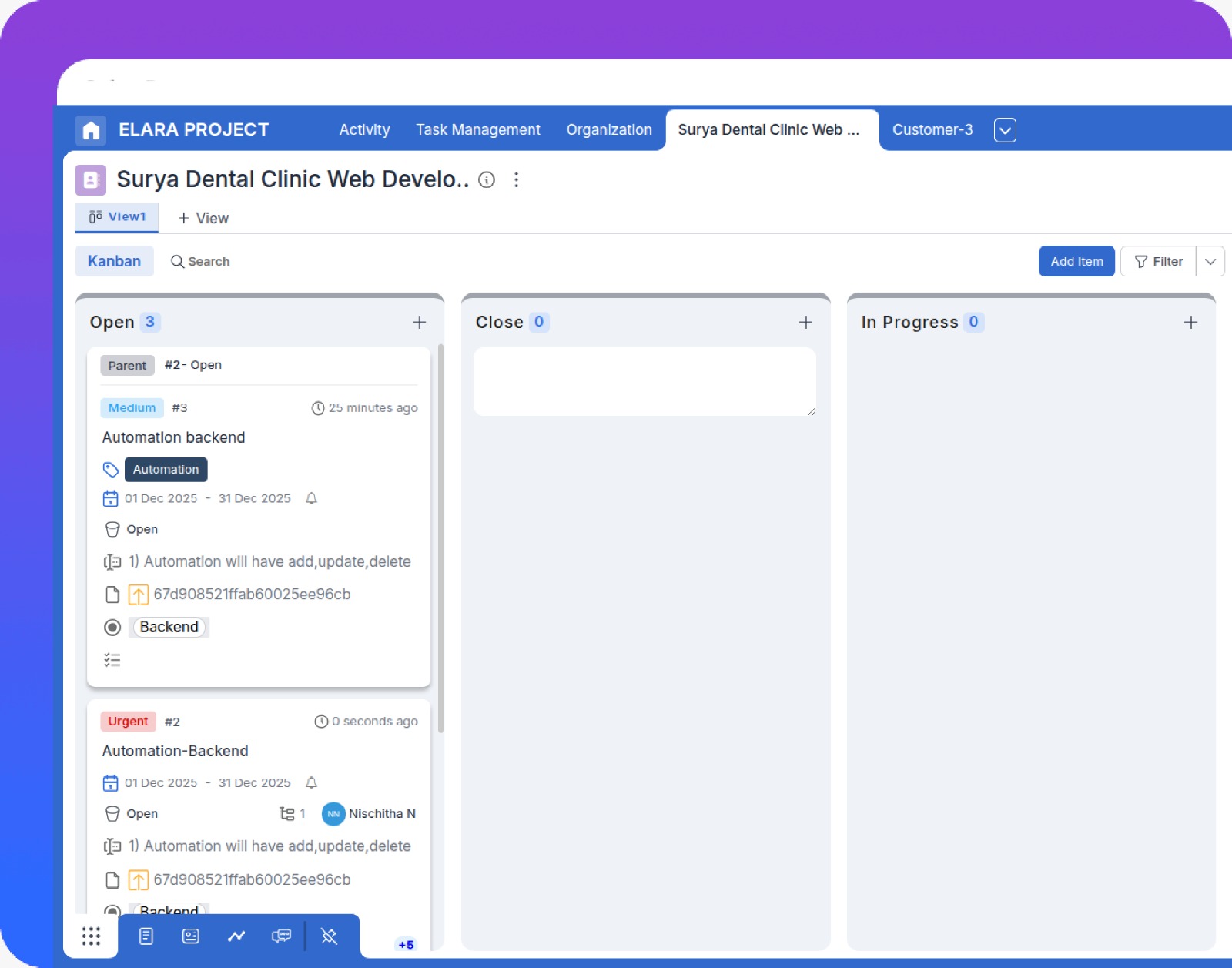
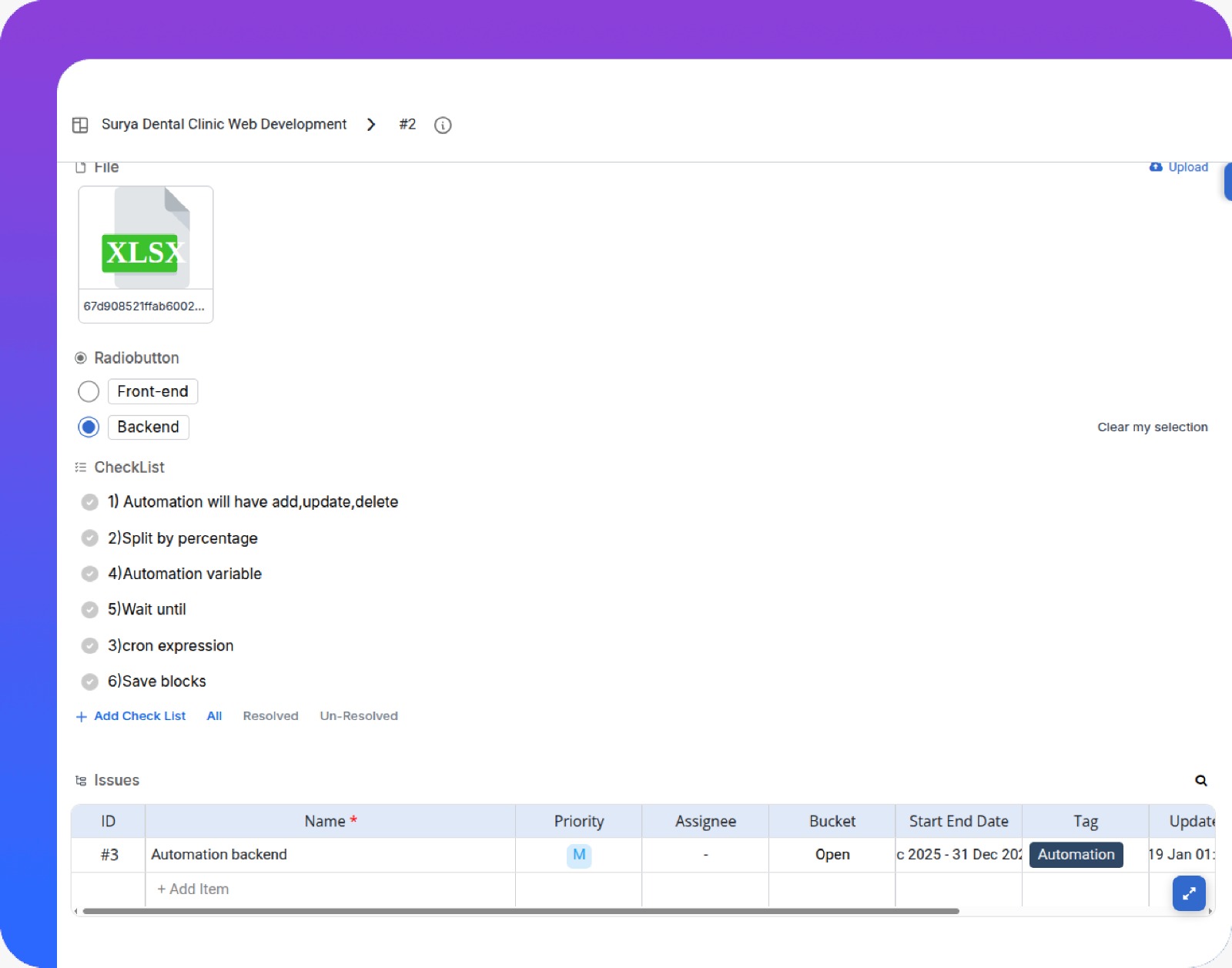
Yes. Bugs and issues can be linked to related epics, stories, or tasks, helping teams understand impact, root cause, and dependencies.
How does Pronnel help prioritize bugs effectively?
Pronnel allows teams to prioritize bugs using priority, due dates, and custom fields, ensuring critical issues are addressed first.
Does Pronnel support collaboration on bug resolution?
Absolutely. Teams can comment, attach files, tag members, and track updates directly within the issue to collaborate efficiently.
Can Pronnel provide visibility into unresolved or recurring issues?
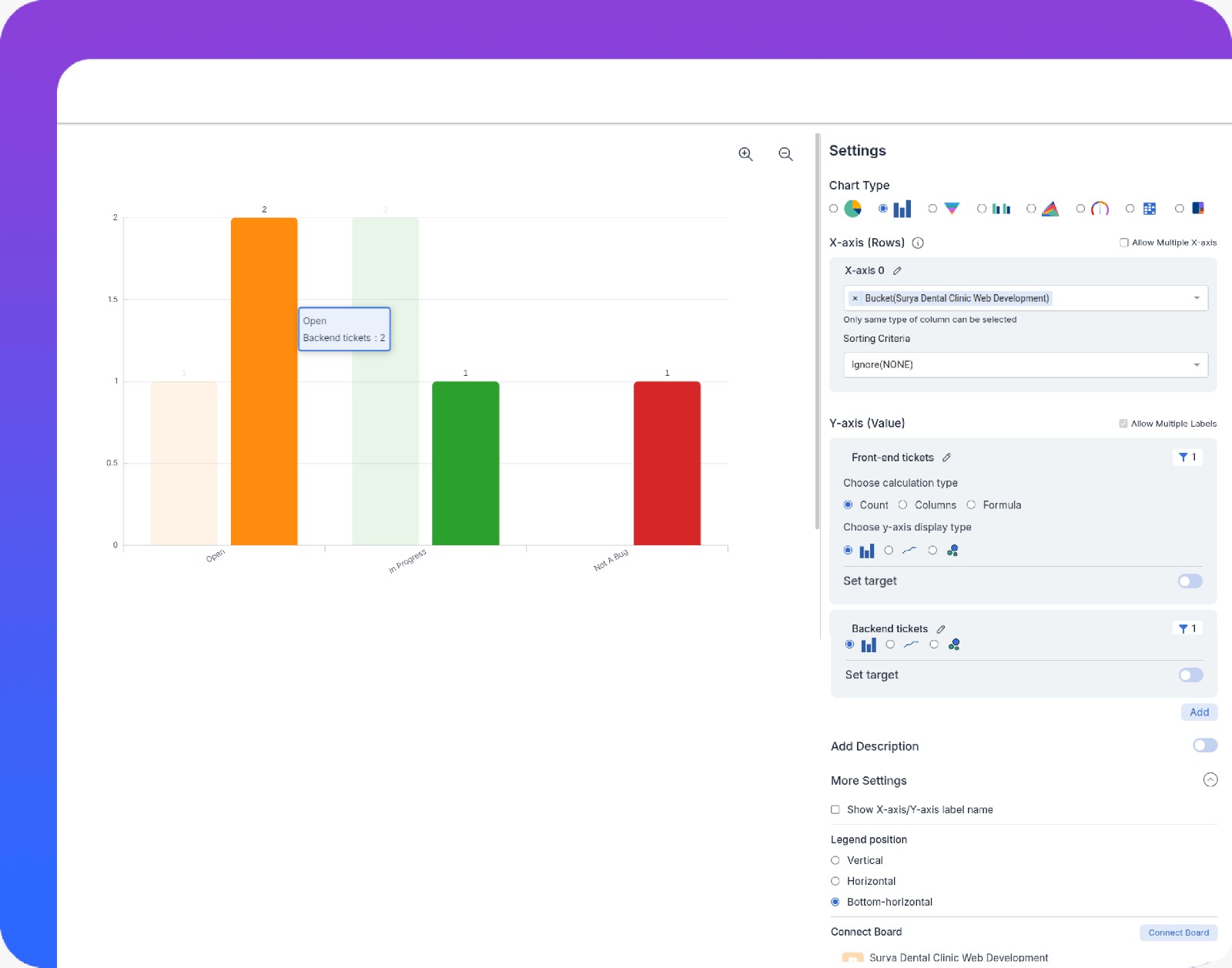
Yes. Dashboards and reports highlight open, overdue, and recurring issues, helping teams identify patterns and prevent repeat problems.
Is Pronnel suitable for both product and internal issue tracking?
Yes. Pronnel supports tracking product bugs as well as internal operational issues, making it suitable for a wide range of team needs.